Additional CX Tools
Practical Data Responder applications for customer experience work.
Use them independently or as a complement to our main platform - whenever you need a quick tool for a specific CX task.
Systems Architecture Designer
Design system architectures that support CXM
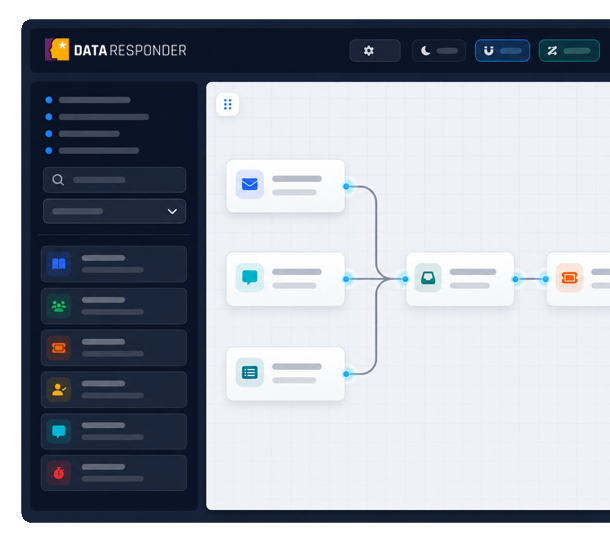
Create diagrams of systems, channels, integrations, and data flows. Add Data Responder elements to show where CXM fits into your IT architecture.
Map service systems, CRM, contact centers, POS, e-commerce, and other elements that influence the customer experience.
Add CXM blocks from Data Responder to mark surveys, feedback, experience analysis, data sources, and team responses.
Show dependencies between systems, data, and processes to make it easier to plan implementations, integrations, workshops, and presentations.
Virtual CX 360° Audit
Run remote CX research in a 360° space
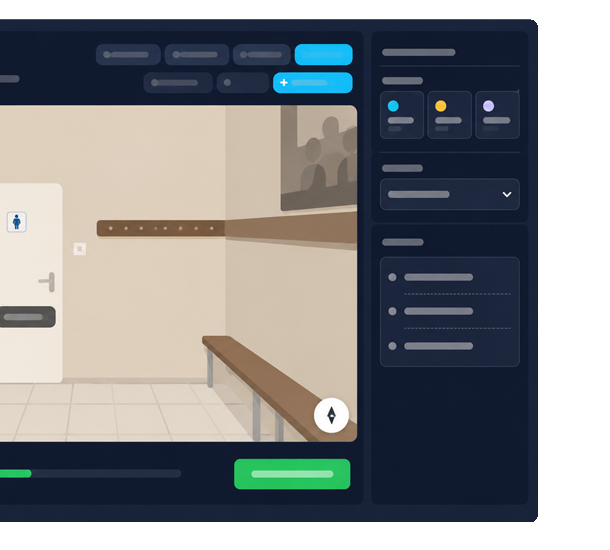
Create virtual audits based on 360° views, a floor plan, and participant tasks. Collect observations exactly where they appear during exploration.
Run audits of locations, branches, service points, POS, showrooms, and other spaces without organizing an on-site visit.
Collect text and voice comments assigned to rooms, 360° views, and the specific places that caught the participant’s attention.
Analyze the exploration path, notes, and continuous commentary to see where barriers, emotions, and moments of uncertainty appear.
PDF Desk
Prepare CXM documents in a clean PDF workspace
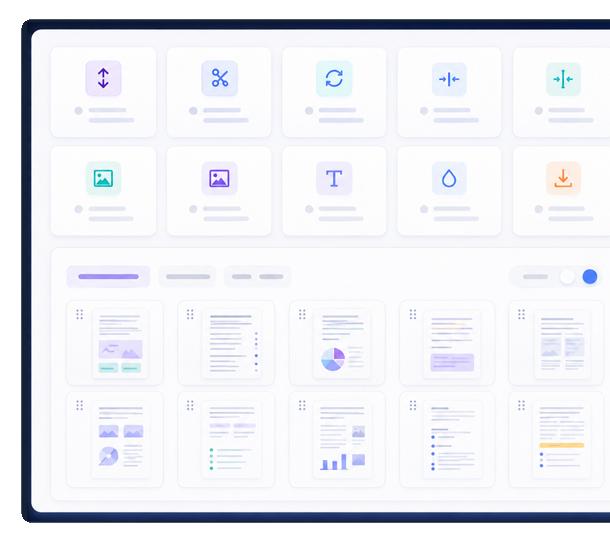
Organize, edit, and prepare PDF files used in CX research, reporting, workshops, audits, and client communication. Work with pages, images, text, watermarks, and metadata in one focused tool.
Organize research reports, audit materials, interview notes, and workshop PDFs into a clear page order.
Extract selected pages, images, and text to reuse CX materials in findings, presentations, and action plans.
Prepare documents for sharing by adding watermarks, managing metadata, and reducing file size.
Blink
Record and share short video messages
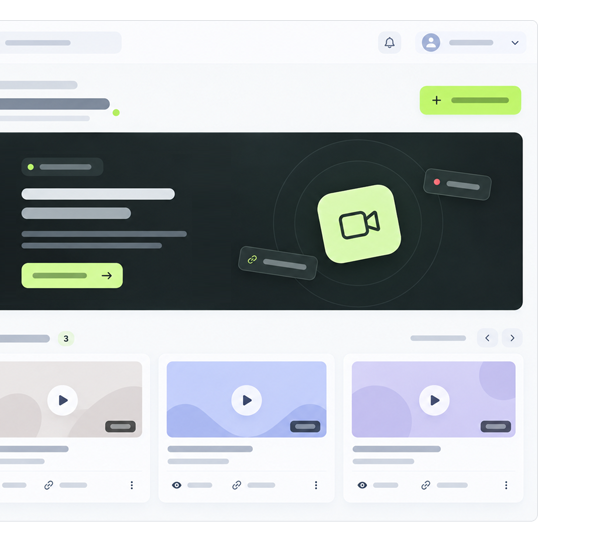
Quickly record your message, set access rules, and share it with a single link. Blink complements email, messaging apps, and other channels whenever text is not enough and a meeting is unnecessary.
Record a video message without signing in and instantly get a link you can share by email, messaging apps, or social media.
Set an expiration time, a viewing limit, and an optional PIN to control access to your recordings.
Link your email to the dashboard to manage your recordings during CX implementations, consultations, and collaboration.
DRAFTY
Create, comment on, and refine documents together
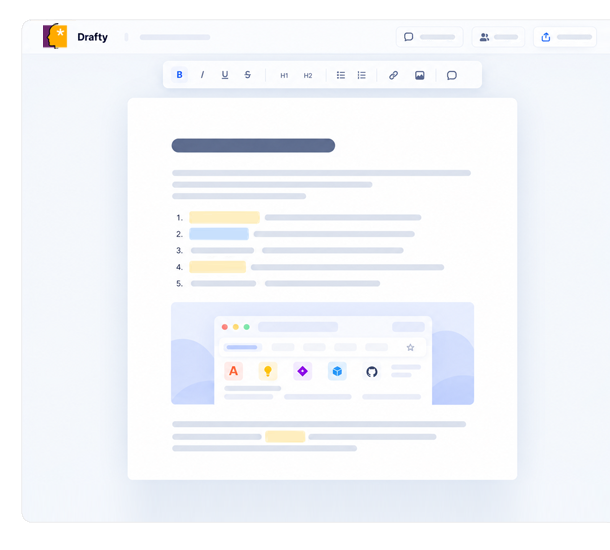
Work on text with clients, your team, or project participants. Drafty lets everyone work on a single version of a document, make changes together, add comments, and refine the final content without sending multiple files back and forth.
Work on one shared version of the document - edit and format content, and add images and links.
Comment on selected text and collect feedback exactly where it relates to the content.
Refine the document together, and when it is ready, export the final version to PDF.